



Over the last few months, I’ve been reconsidering the RAW vs JPEG. debate. Should I continue to shoot 100% RAW on my Fujifilm cameras, specifically the Fujifilm X-T2 and X-Pro2.? The reason? Fujifilm’s out-of-camera JPEG quality is exceptional. When you factor in the company’s renowned film simulations, Wi-Fi transfer, and Lightroom Mobile, you end up with a fast, reliable, and highly portable workflow. This raises an important question for Fujifilm shooters:
Do you really need RAW files when the JPEGs look this good?
Contents
RAW vs JPEG : Benefits of Shooting JPEG on Fujifilm Cameras
One of the biggest advantages of shooting JPEG is file size. Fujifilm RAF RAW files typically weigh in at around 50MB, which quickly consumes storage space if you shoot regularly. JPEG files, by contrast, average around 10MB, allowing you to store roughly five JPEGs for every single RAW file.
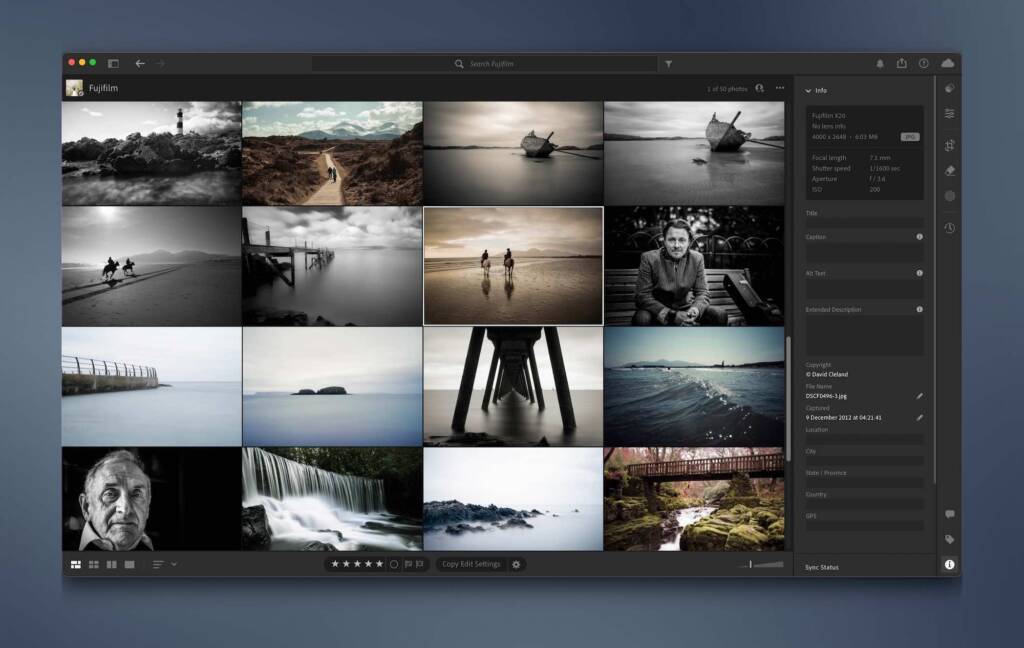
Beyond storage efficiency, Fujifilm’s JPEG engine is among the best in the industry. When exposure, white balance, and colour are dialled in correctly, JPEG files often require little to no post-processing. Fujifilm’s film simulation modes such as Provia, Velvia, and Classic Chrome—produce images that are effectively finished straight out of the camera.
For photographers who value speed and simplicity, shooting JPEG can be an extremely efficient workflow.
RAW vs JPEG: Benefits of Shooting RAW on Fujifilm Cameras
Despite the quality of Fujifilm JPEGs, shooting RAW still offers significant advantages. You won’t get every image right in-camera, and this is where RAW files become essential.
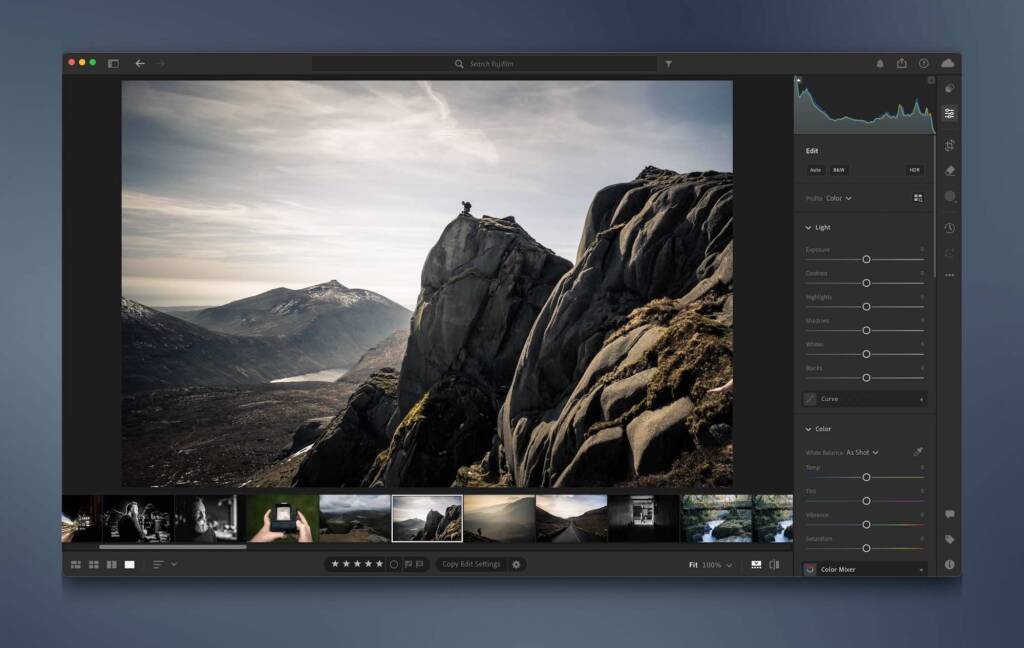
A 50MB RAF file contains the full, unprocessed image data, allowing for greater flexibility in post-production. This includes improved highlight and shadow recovery, more accurate white balance adjustments, and finer control over colour grading in Adobe Lightroom.
After several weeks of shooting JPEG-only, I found that while most images were usable, I missed the safety net of RAW files for those moments when exposure or lighting wasn’t quite right. Another major advantage of RAW is the ability to apply Fujifilm film simulations in post-production using Lightroom.
When shooting JPEG, the chosen film simulation is baked into the image at capture and cannot be changed later.
RAW vs JPEG : Why Shooting RAW + JPEG on Fujifilm Is the Best Option
Fortunately, Fujifilm cameras allow you to shoot RAW + JPEG, combining the strengths of both formats.
This workflow gives you maximum flexibility:
- Use the JPEG when the image is already finished
- Fall back on the RAW file when further editing is needed
The Fujifilm X-T2 and X-Pro2 can even write RAW files to one SD card and JPEGs to another, though I prefer saving both formats to a single card and deciding which files to import into Lightroom later.
Lightroom Tip: By default, Lightroom imports both RAW and JPEG files but only displays the RAW version. To view both, enable “Treat JPEG files next to raw files as separate photos” in Lightroom Preferences.
Final Thoughts: RAW vs JPEG on Fujifilm
For my photography, shooting RAW + JPEG on Fujifilm cameras offers the best balance between quality, flexibility, and efficiency. I get beautifully rendered JPEGs straight out of the camera, while retaining access to RAW files when additional processing is required.
An added benefit is that JPEGs can be quickly transferred to a smartphone using the Fujifilm Camera Remote App, making it easy to share images on the move without sacrificing image quality.
Links
The FlixelPix Lightroom Presets
Adobe Lightroom [Ad]
FlixelPix Instagram
Discover more from FlixelPix
Subscribe to get the latest posts sent to your email.
